

Getting back into your account
If you cannot access your account, start by checking that you are using the same email address you used when you first signed up. A small typing error or an old inbox can slow things down. If you have changed phones or switched to a new work message, make sure you are trying the right login details before sending a new request.
Once you are in, check your profile details first. This keeps your contact information, business name and enquiry history in order. It also helps our team match the right person to the right listing, especially when a property owner and an advertiser need to move quickly on a space in Johannesburg, Sandton or Pretoria.
- Confirm your email address and login method
- Update your phone number and business name if they have changed
- Check that saved enquiries are showing under the correct account
- Use one main contact person for faster follow up
Keeping your listings accurate
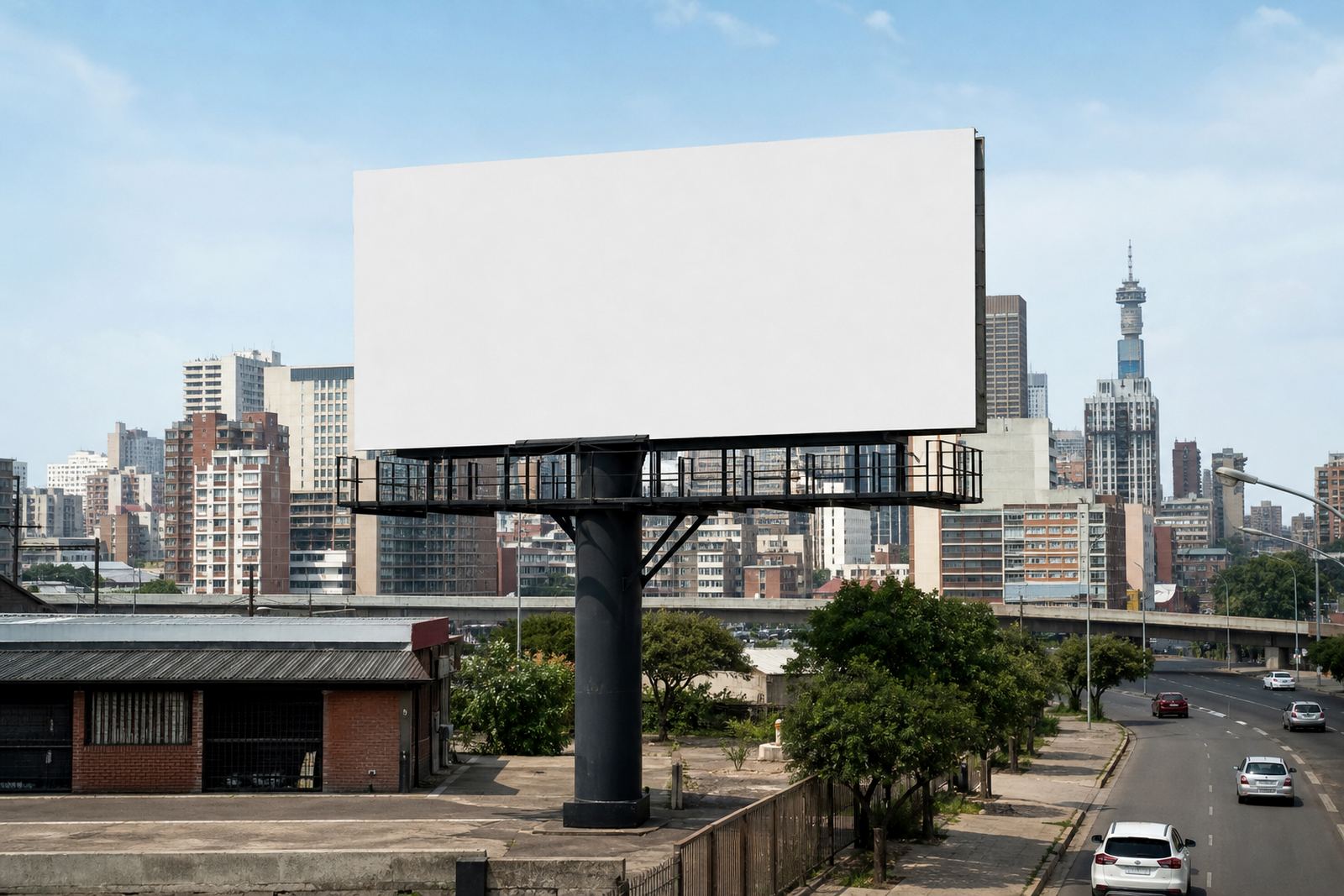
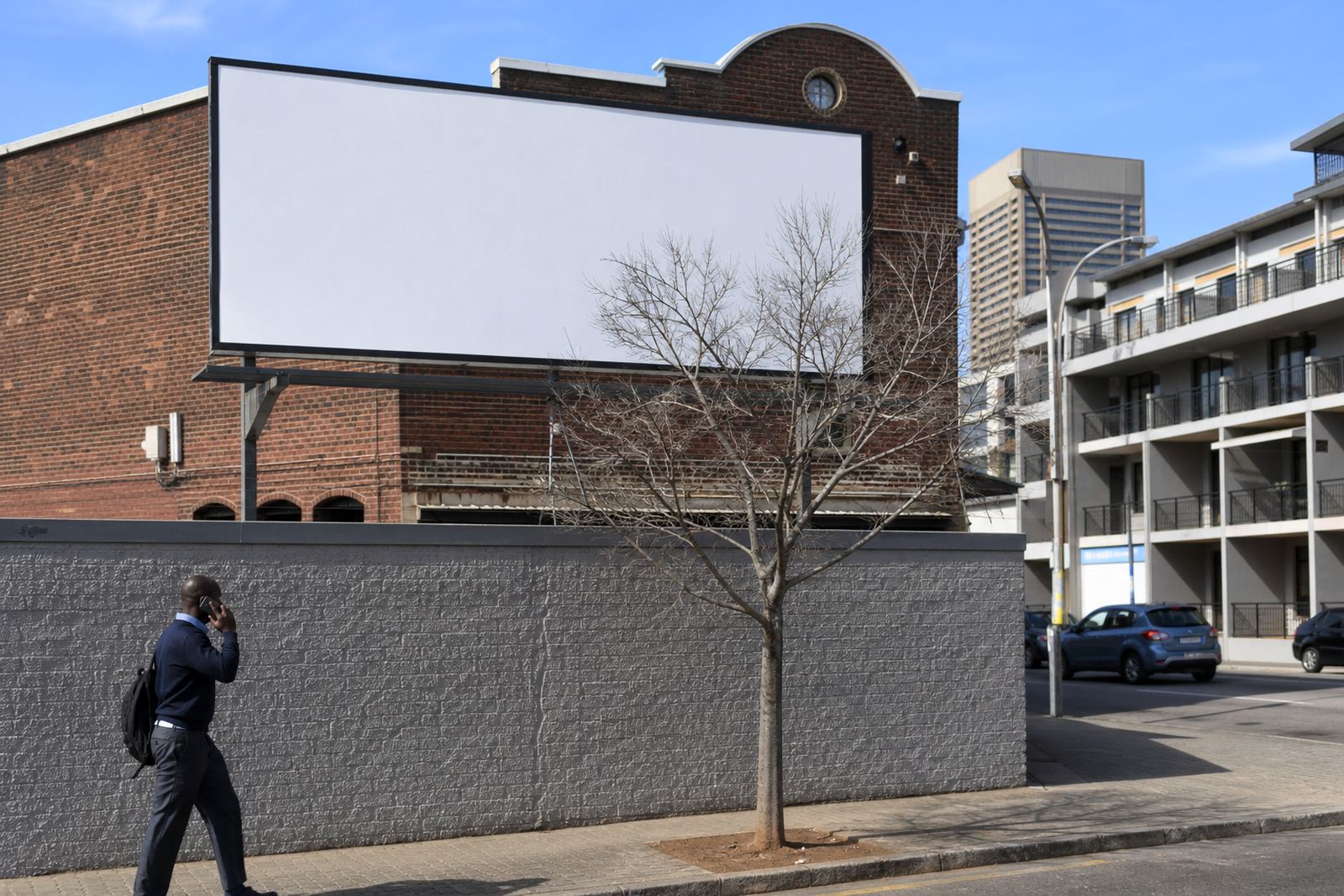
If you manage a billboard or wall-space listing, accuracy matters. Photos should show the real surface, the surroundings and the access point where installation will happen. If the wall has been repainted, if lighting has changed, or if a sign has already been removed, update the listing so advertisers do not make plans on old details. That saves time for everyone.
Our team can help with Space Listing Setup, Site Photo Curation, Listing Copywriting and Availability Management. Where needed, we also assist with Brief Matching so that advertisers only enquire on spaces that suit their campaign size and timing. If you are in Braamfontein or Midrand, the same rule applies as in Durban or Cape Town: keep the information current and keep the images honest.
- Use clear photos taken in daylight where possible
- Show the whole wall or board, plus any nearby obstructions
- Check that dimensions and viewing direction are still correct
- Mark the listing unavailable when work is taking place
Managing saved enquiries and shortlist items
Saved enquiries are useful when you are comparing several spaces or waiting for a client decision. Keep them in one place so you can return to them quickly instead of starting over each time. If you are an advertiser, use your saved list to track options in Johannesburg, Bloemfontein or Cape Town and note which ones need follow up first.
If you are a property owner, saved enquiries can help you spot which advertisers are serious and which campaign briefs still need more detail. Reply with the information that matters most, such as wall size, access times, installation limits and whether the surface is suitable for vinyl, painted signage or other outdoor display methods.
- Review saved items at the start of each week
- Remove enquiries that are no longer relevant
- Add notes about timing, artwork status and access needs
- Keep one clear thread for each campaign
What to do when a booking is almost ready
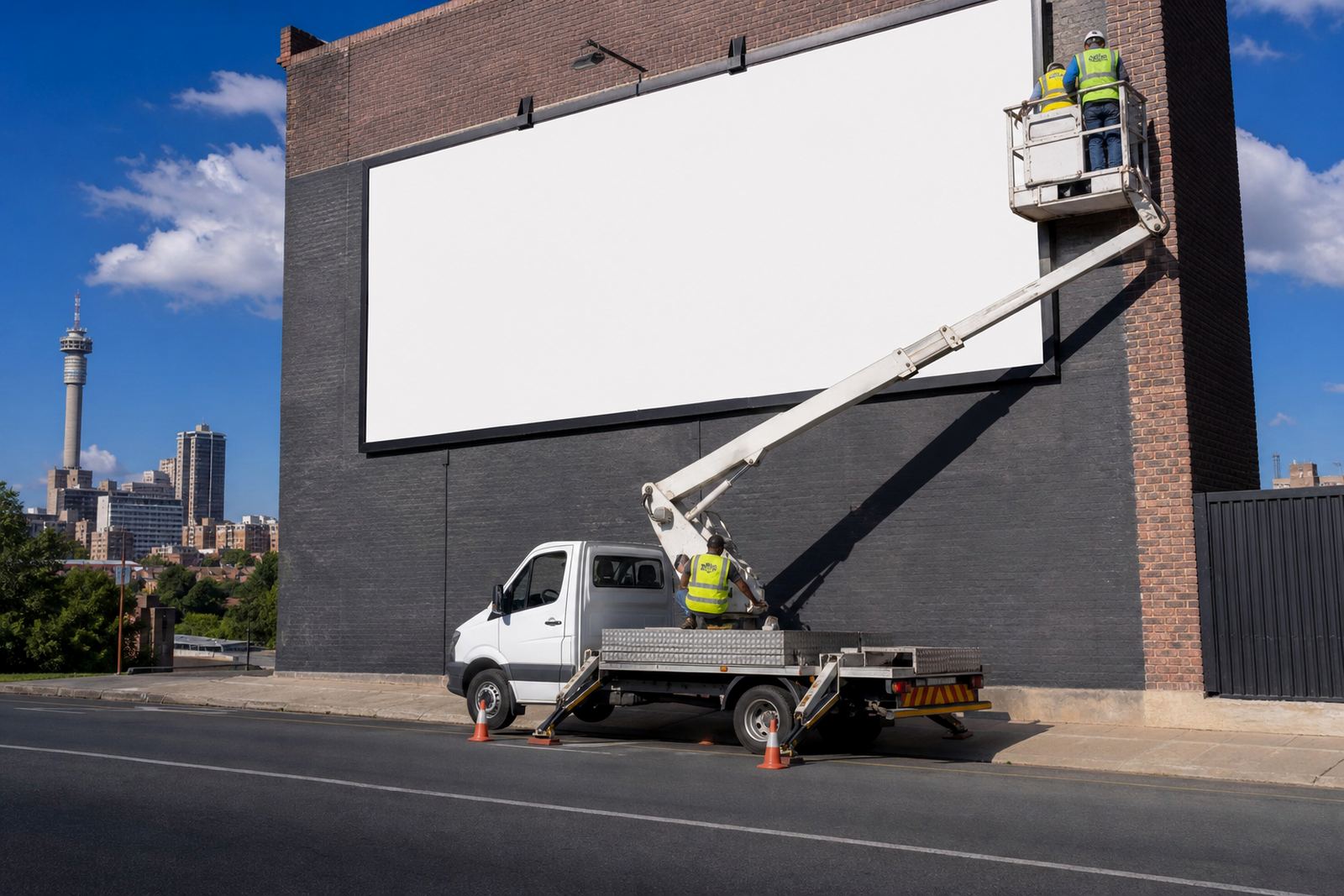
When a space is close to being booked, check three things before moving forward. First, make sure the property owner has given consent for the display. Second, confirm that the relevant municipal bylaw approval process has been followed or is in progress. Third, check the artwork specs so the file format, size and finish suit the site. If any of these are missing, the booking can stall.
Our booking coordination and consent check guidance helps you avoid common delays. This is especially useful on busy routes where access times are limited or where installation must be planned around trading hours, body corporate rules or coastal humidity. In Durban and Cape Town, weather can affect timing, so it helps to keep a small buffer in the schedule.
- Confirm owner consent before finalising the space
- Check municipal bylaw requirements for the area
- Review artwork size, bleed and file quality
- Set installation dates that suit site access and weather
Updating campaign details after booking
Sometimes a campaign brief changes after the space has been secured. If the artwork is revised, the run dates move or the client wants to adjust the site list, update the account notes straight away. This keeps the booking record clean and helps our team track the latest version without confusion.
Use the account notes to record who approved the change, what still needs sign-off and whether the installation schedule must move. If a listing needs to stay live for future use, ask about Listing Renewal Support so the space does not drop off too soon. A quick update now can save a lot of back and forth later, especially when load-shedding or site access issues have affected the original plan.
Getting help from the support team
If you are stuck, use the enquiry form on the contact page and give as much detail as possible. Say whether you are a property owner or advertiser, which town or suburb the account relates to, and what you need help with. That might be a login issue, an unavailable listing, a booking question or a compliance step that needs attention.
For faster help, include the listing name, the area, and any deadlines tied to the campaign. Our team in Braamfontein works with enquiries from Johannesburg, Pretoria, Sandton, Midrand, Cape Town, Durban and Bloemfontein, so clear details help us get to the point. If your issue is about artwork, consent or timing, mention that upfront and we can point you in the right direction without delay.
- Use the enquiry form instead of sending a message through several channels
- State the suburb, town and listing name
- Explain the problem in one or two short paragraphs
- Attach the latest details if the booking has changed